The Transfer payment selection is used to transfer money between your own AFG Home Loan Retro accounts. These transactions are immediate, and you will see the funds in the receiving account instantly.
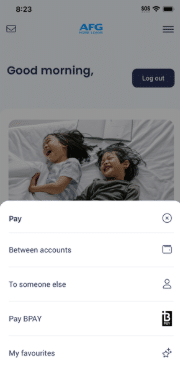
- Tap on Pay from the bottom of the dashboard.
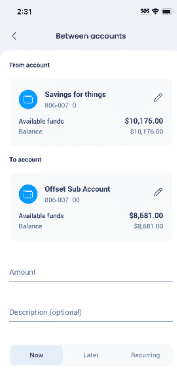

- Choose Between Accounts.

- Pick the from Account and To Account using the Pencil icon.
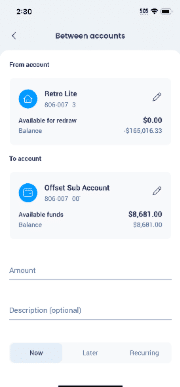

- You should now see an updated from and To accounts showing.
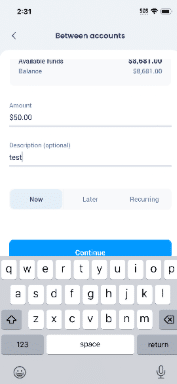
- Enter the amount and a description if you require one. At this point you can schedule the transfer using Later or Recurring or leave it as Now, Tap on Continue.

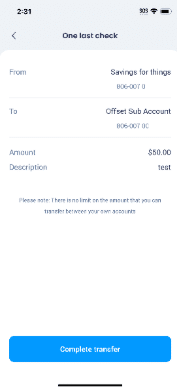
- You will be asked to do one final check to make sure all information is correct, if you are happy with the information tap on Complete Transfer.

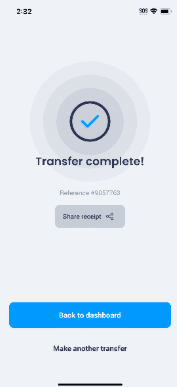
- You will receive a confirmation that transfer has been completed, at this stage you can share the receipt if you like or go back to dashboard or may another transfer.