
You can easily reorder your Retro and Link accounts to appear in any order you choose. Please see the following steps to do this.
- Tap on Accounts from the bottom of the dashboard.

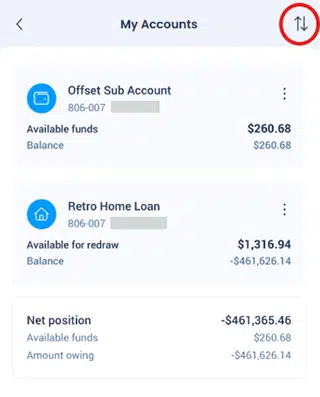
- Click on the arrows on the right hand side.
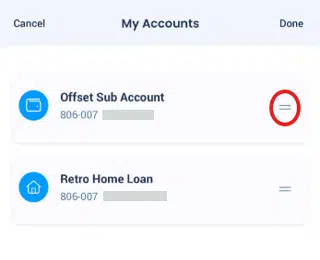
- Drag the account you wish to move by pressing on the (=) at the end of the account and dragging it to where you would like it placed then click on Done at the top right hand side.
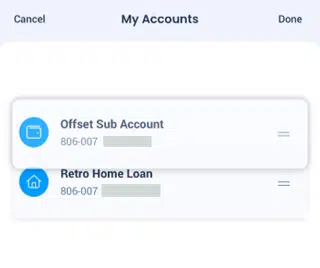
- The accounts will now show in their new order.

